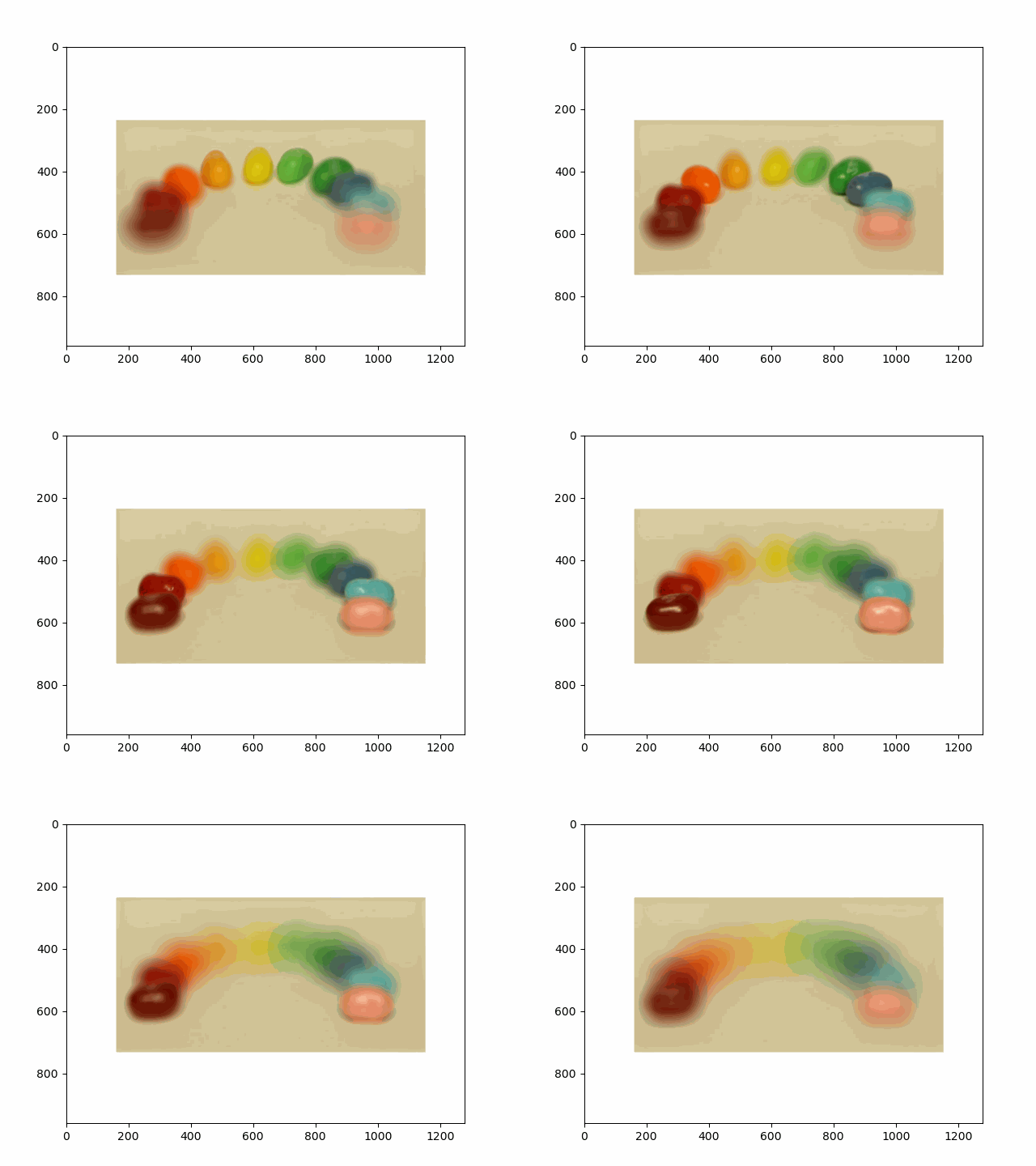
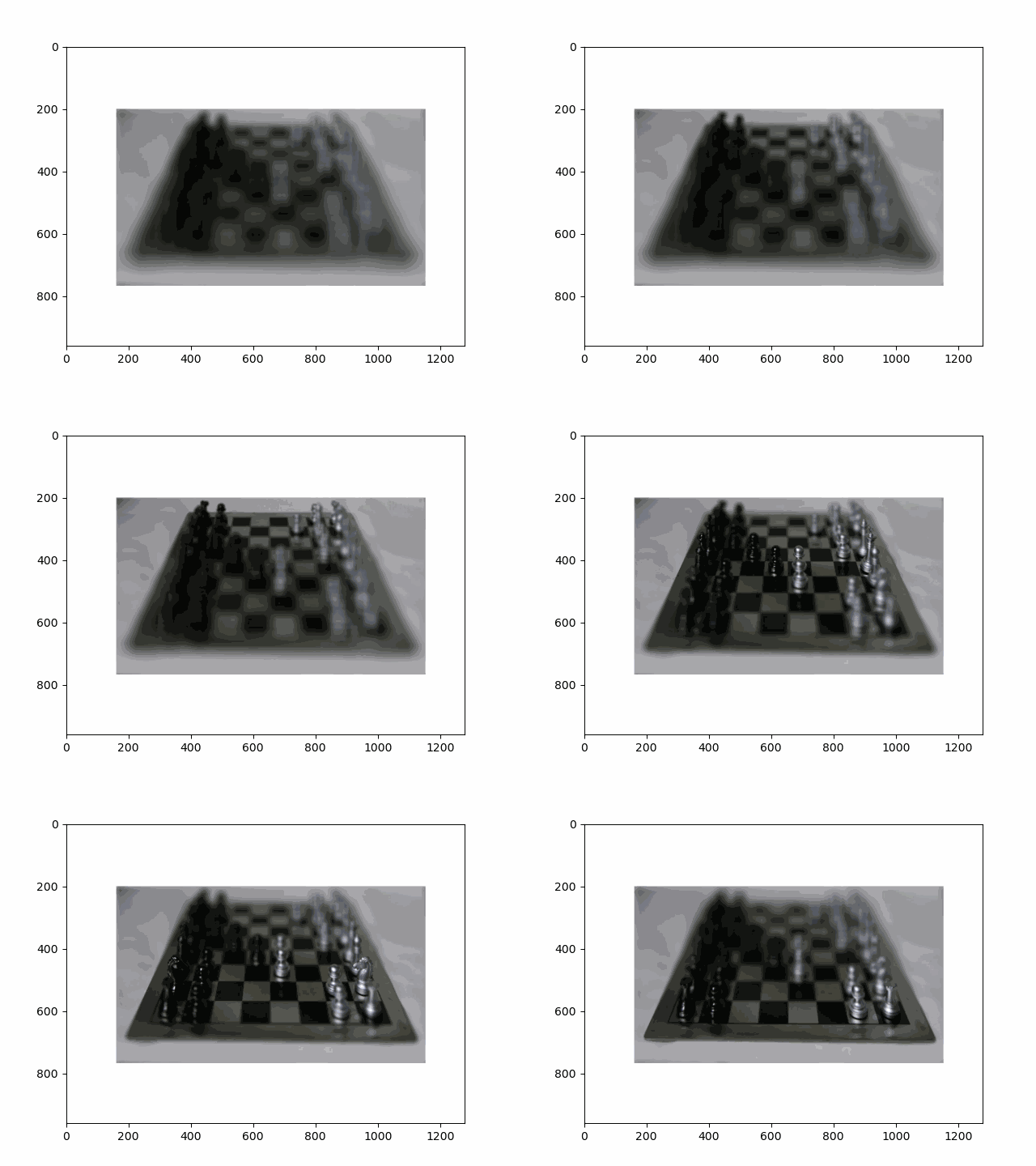
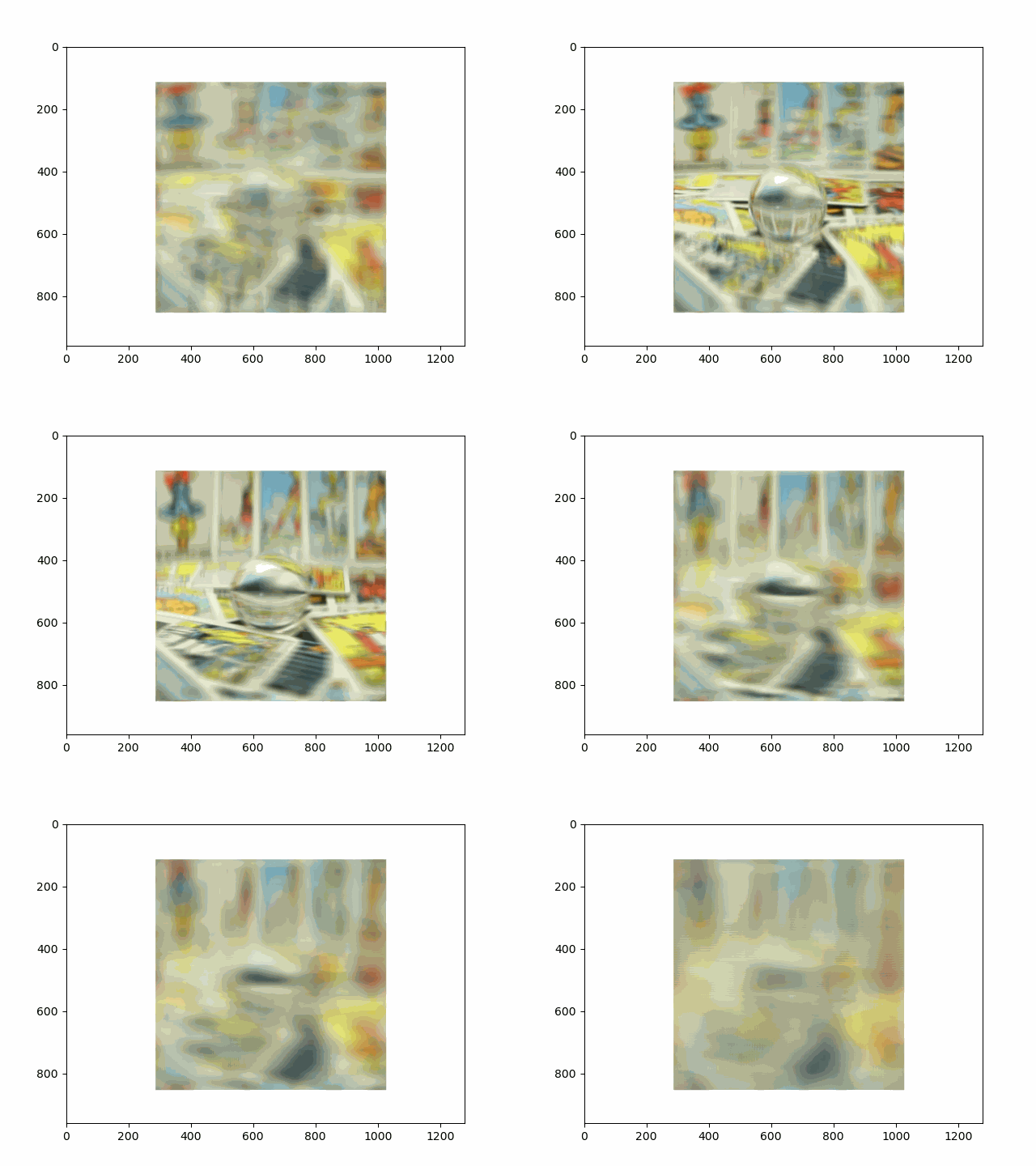
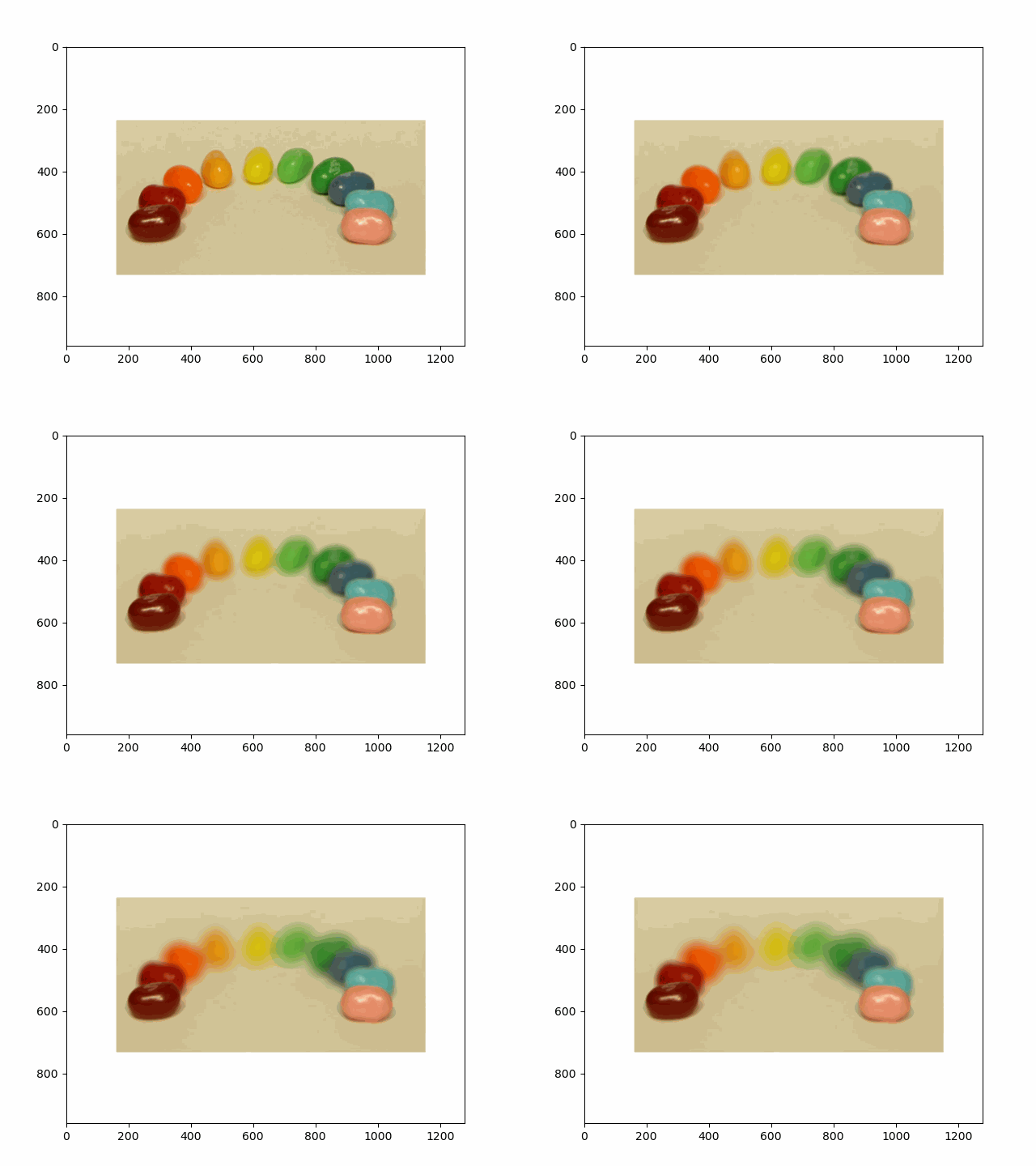
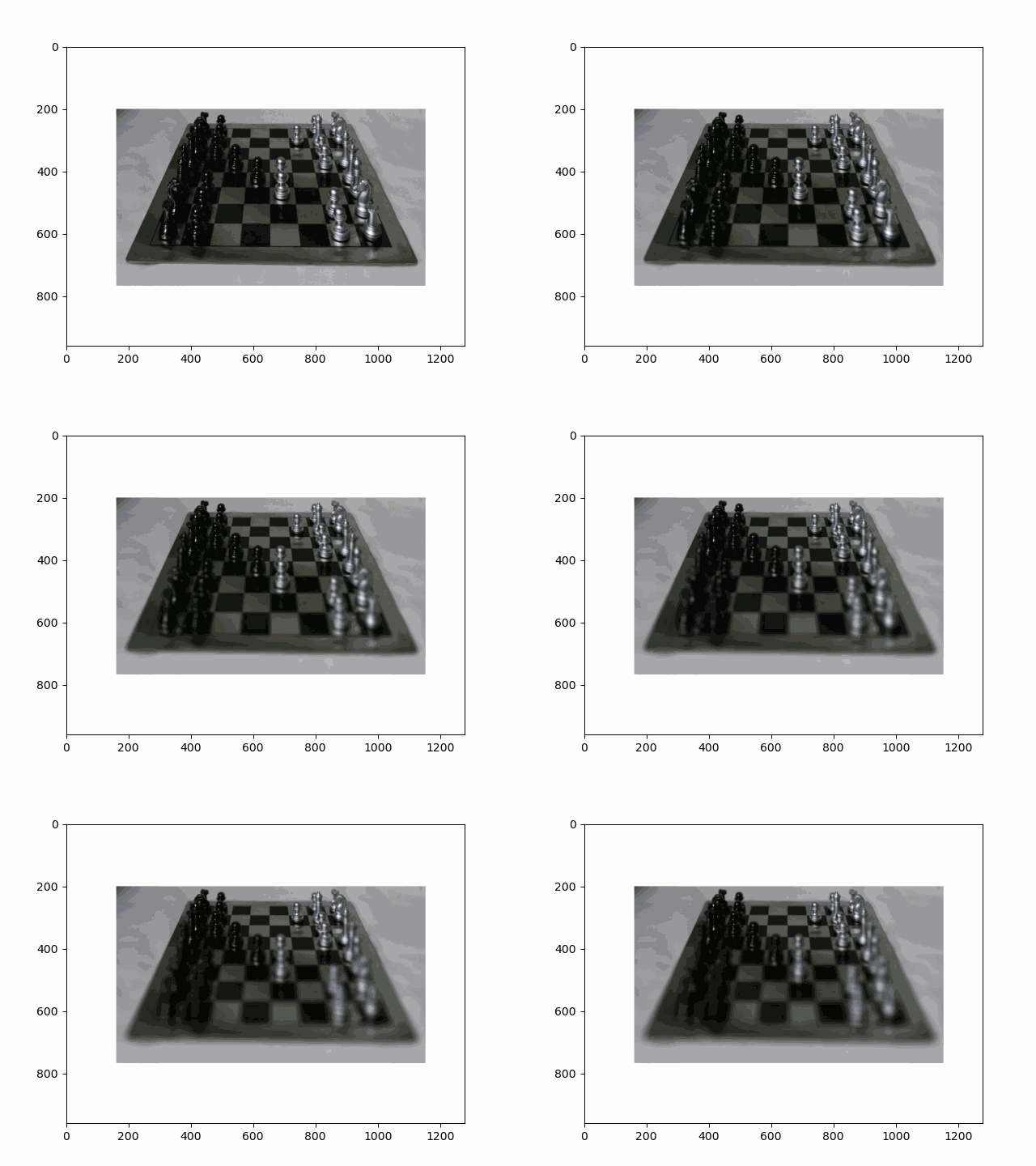
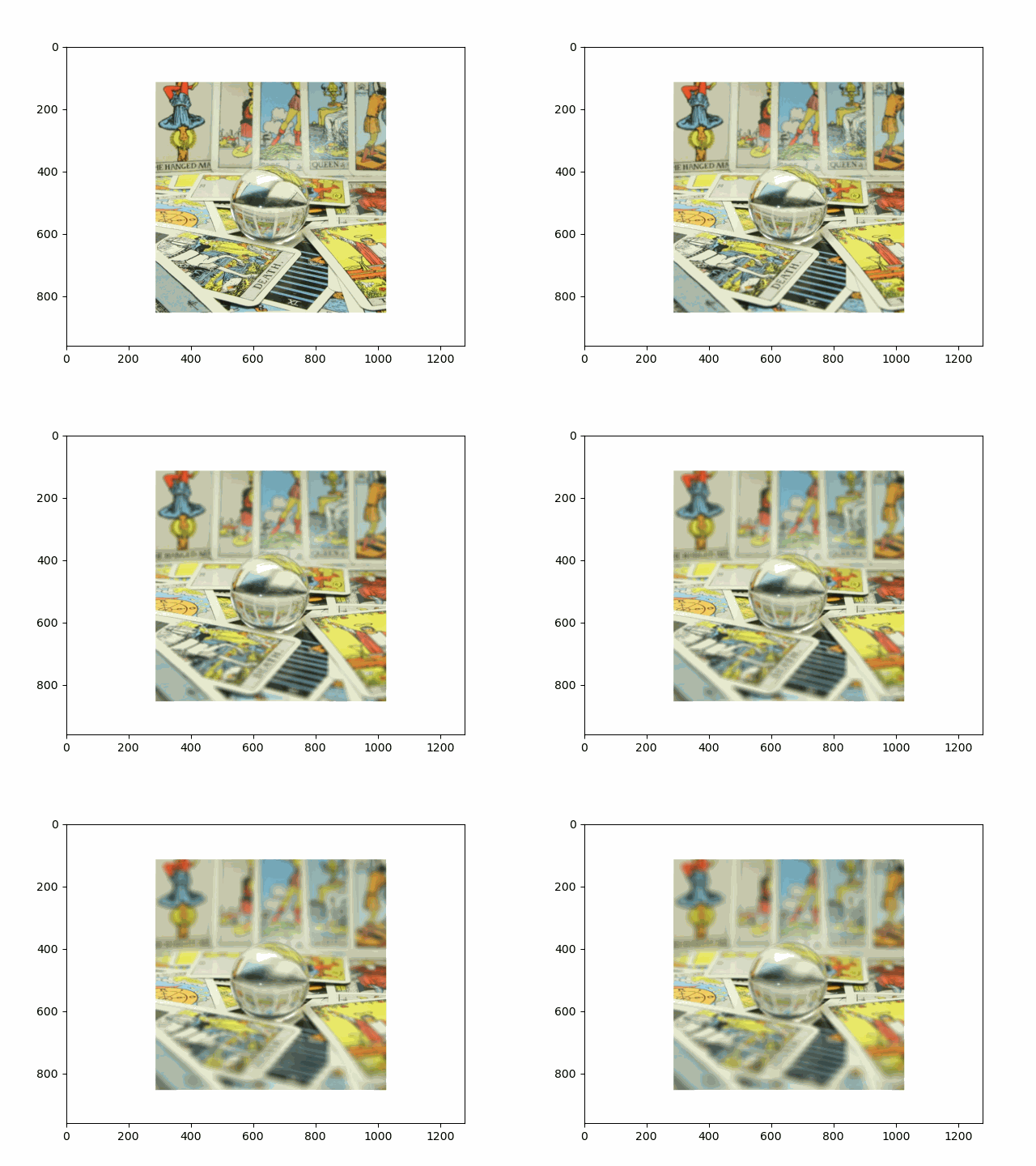
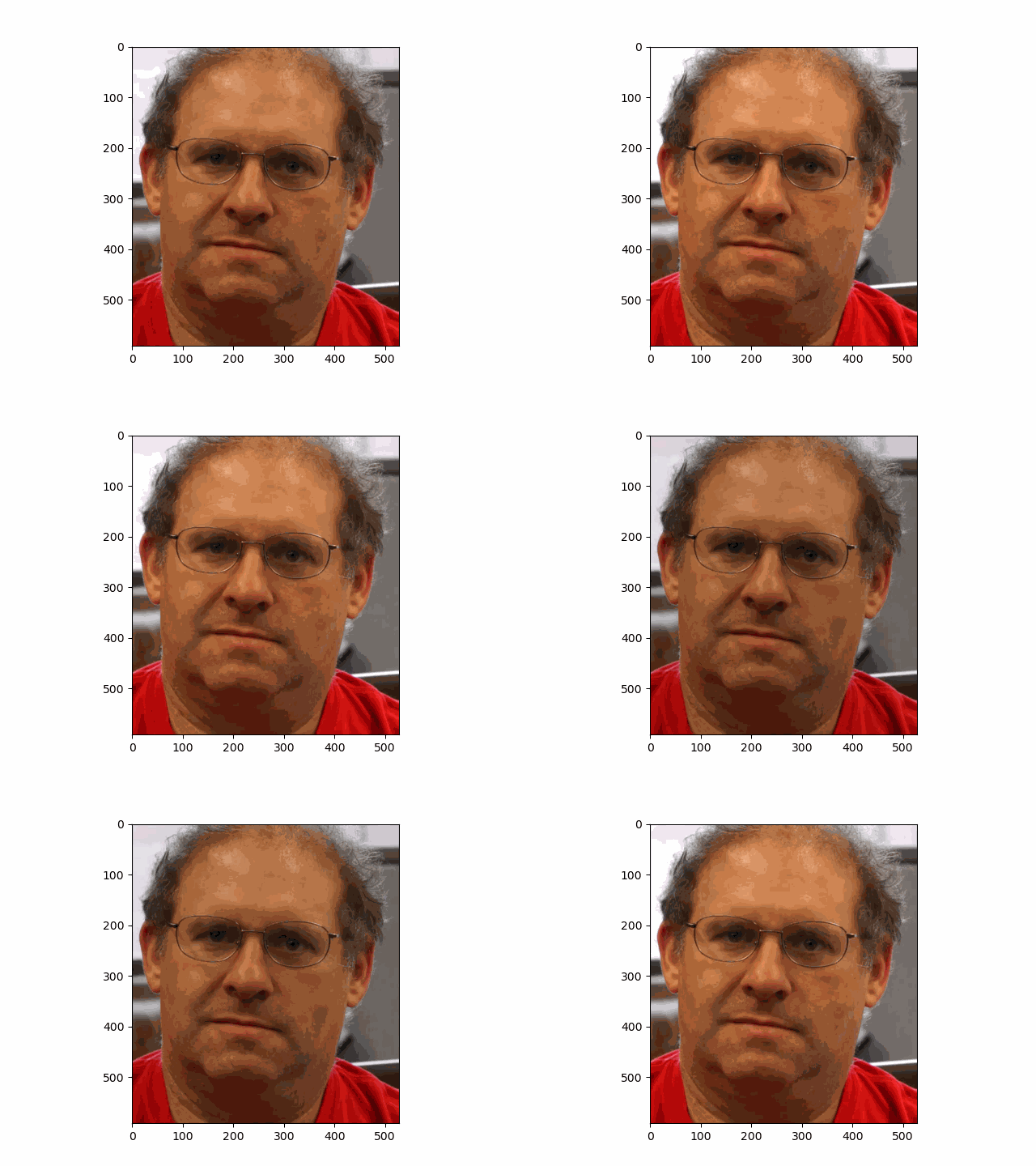
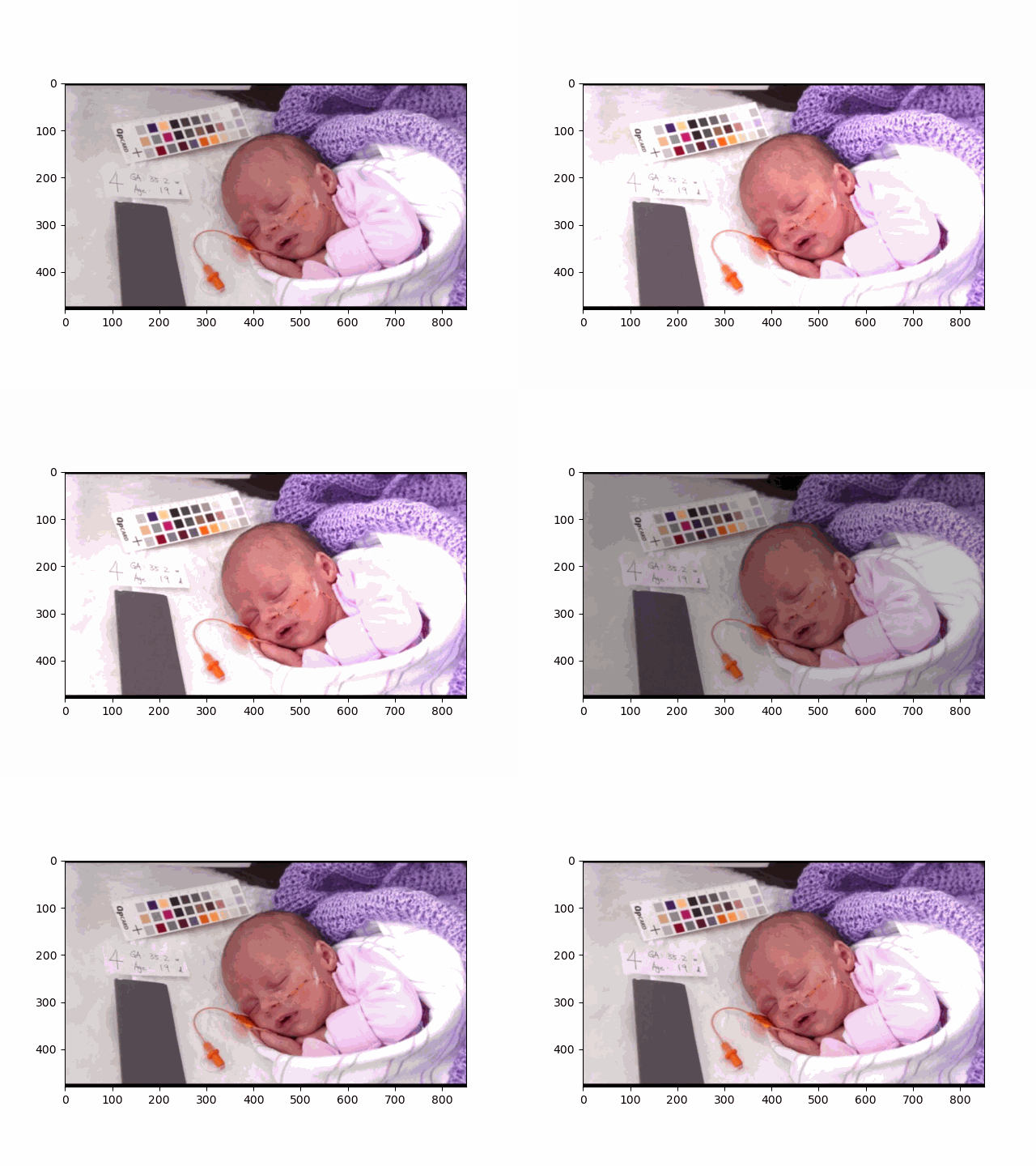
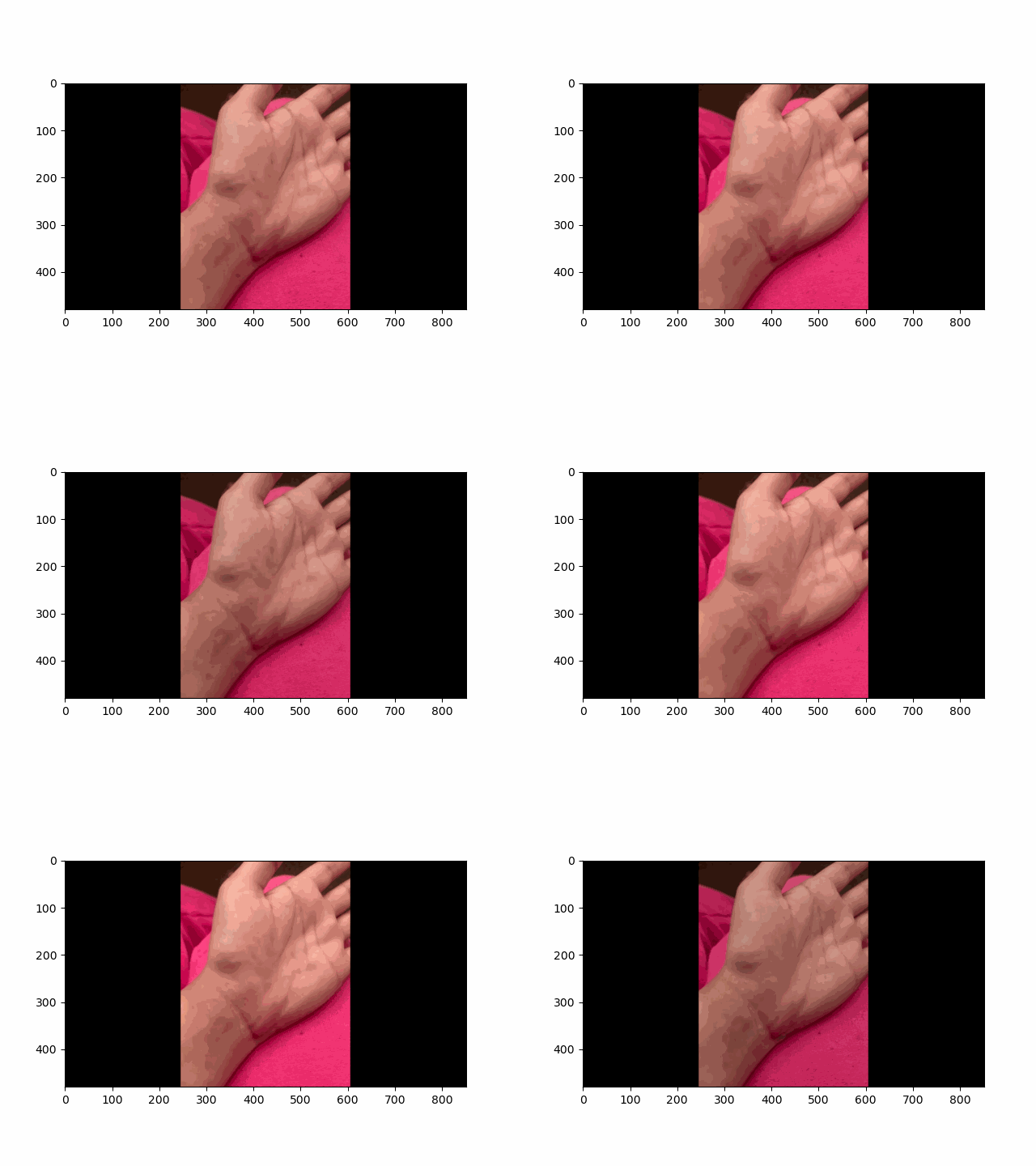
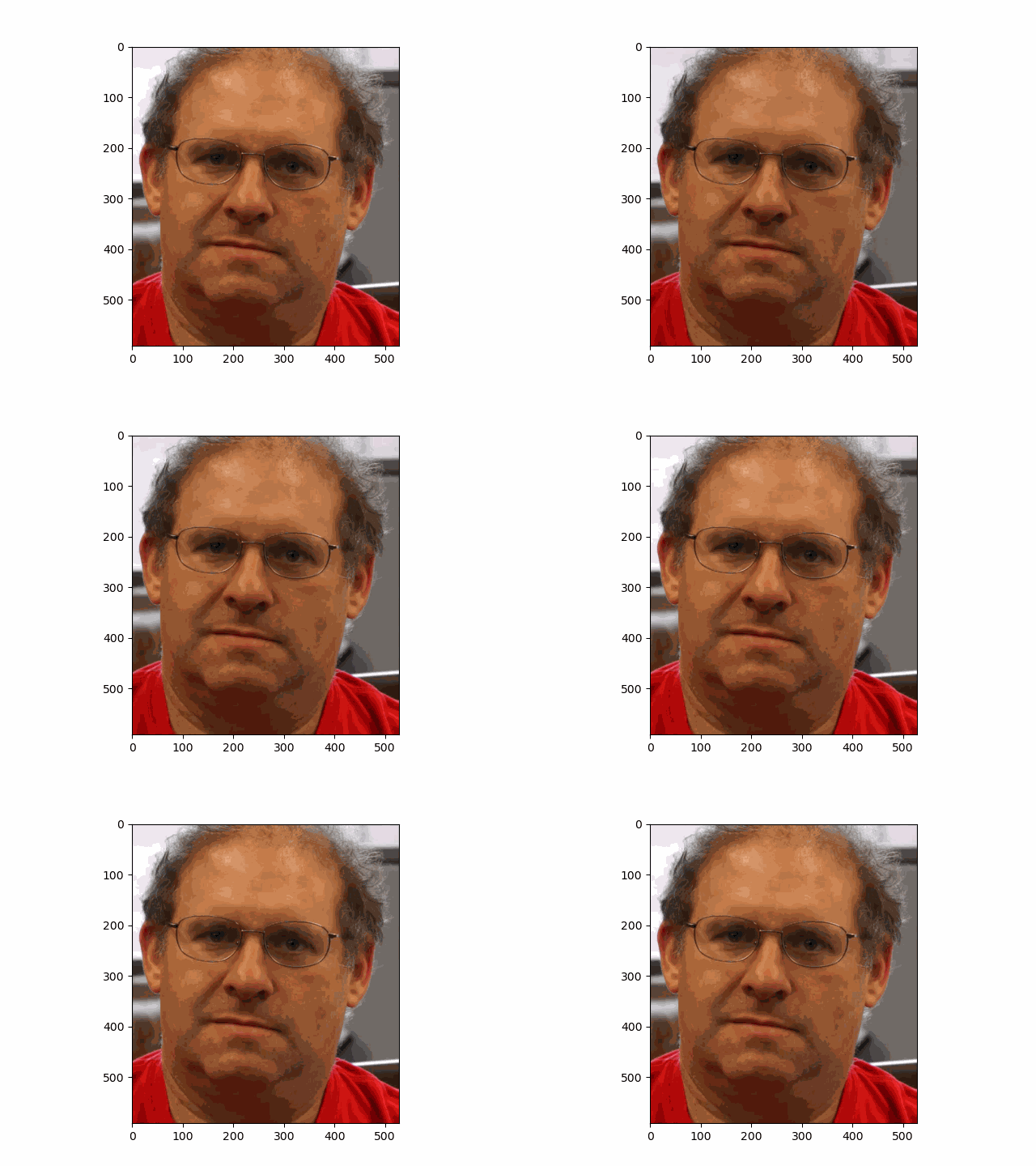
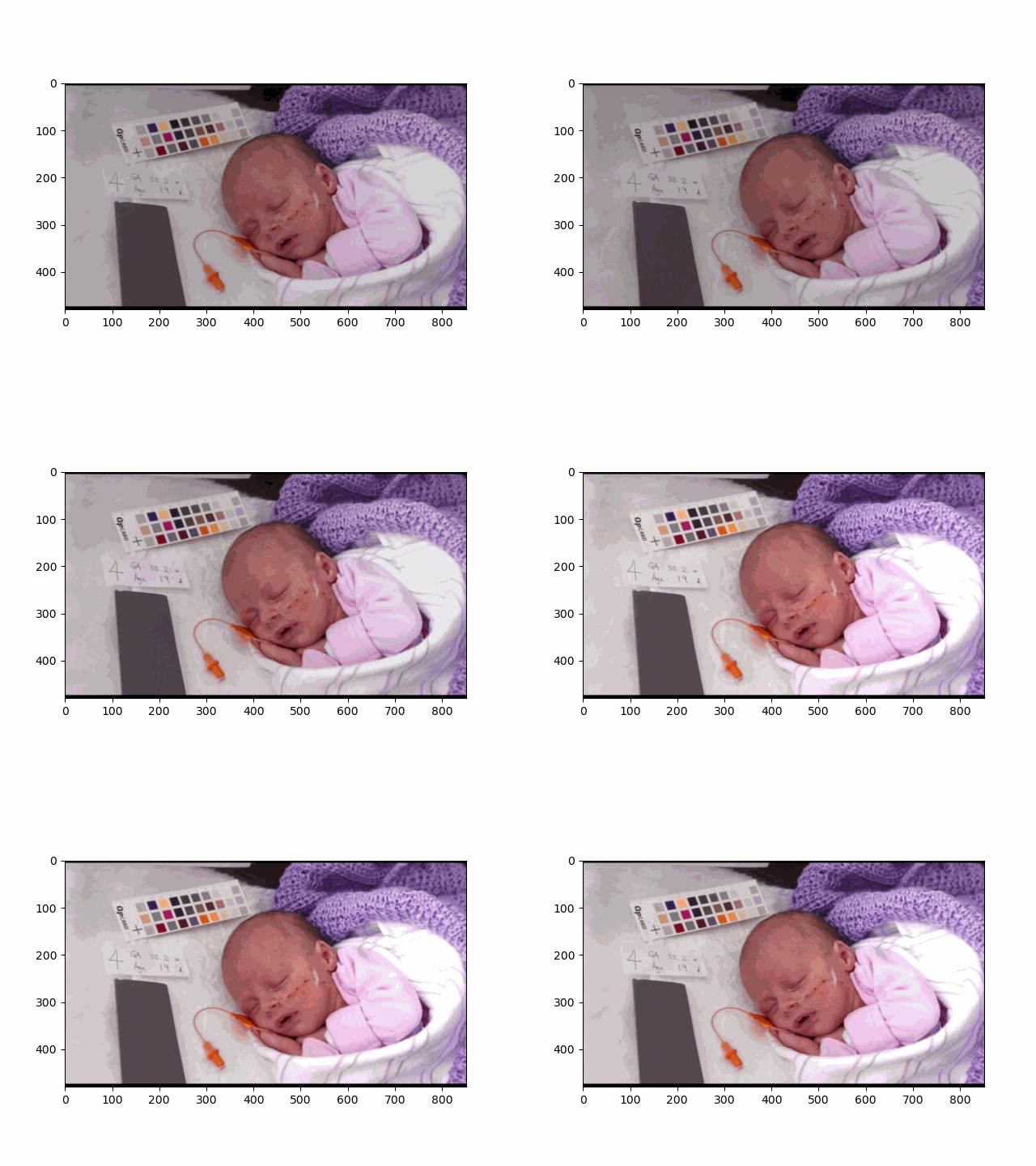
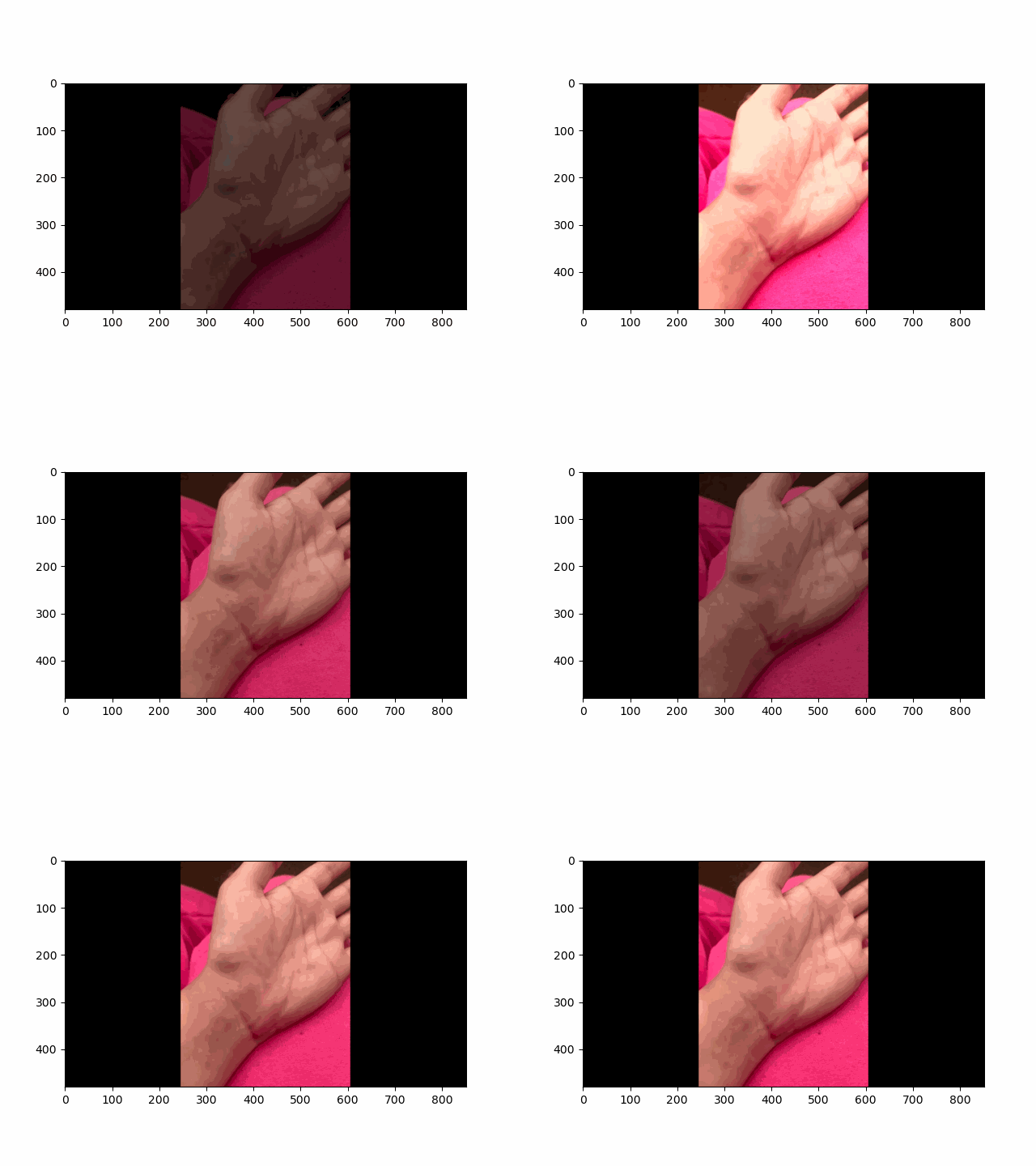
In this project, I recreated the effects of light field cameras using techniques like depth refocusing and aperture adjustment, inspired by the paper Light Field Photography with a Hand-held Plenoptic Camera by Ren Ng et al. (Ren Ng, founder of the Lytro camera, is also a professor at Berkeley!). By capturing multiple images over a plane orthogonal to the optical axis, complex effects such as dynamic focus and aperture control can be achieved through simple operations like shifting and averaging.
Using the Stanford Light Field Archive dataset, which contains images captured from a 17x17 camera array, I simulated varying focal lengths and aperture sizes. Each image corresponds to a unique camera position, enabling the exploration of these light field techniques with real-world data.
My goal was to reproduce the fascinating visual effects described in Section 4 of the paper. By leveraging the rectified image datasets provided by the Stanford Light Field Archive, I implemented depth refocusing and aperture adjustment to demonstrate how elementary operations on light field data can produce visually stunning results.